
Addressbook Admin
The Genius Server provides a shared address book where users can collect contact information. Information can be integrated from an external provider or from the Genius Server internal address books.
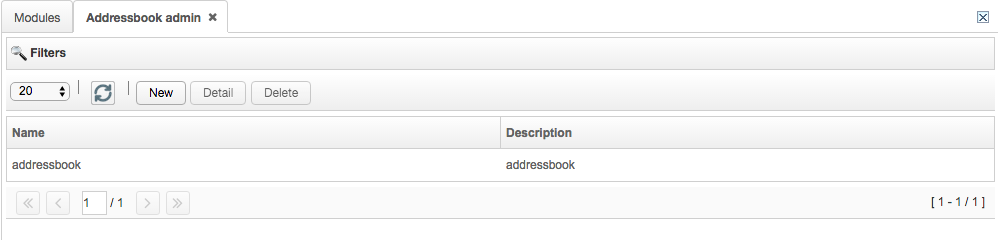
To create a new address book, press the New button and fill in the following fields:
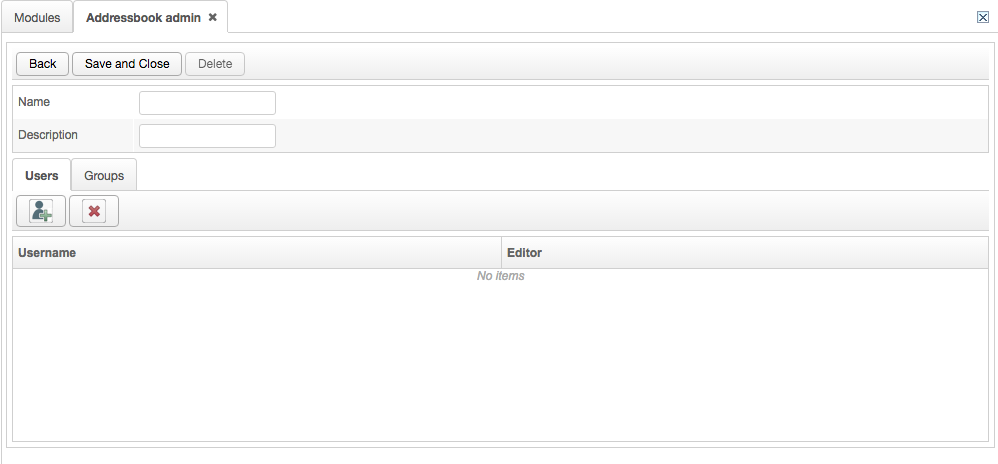
Name: the name of the address book,
Description: the description of the address book.
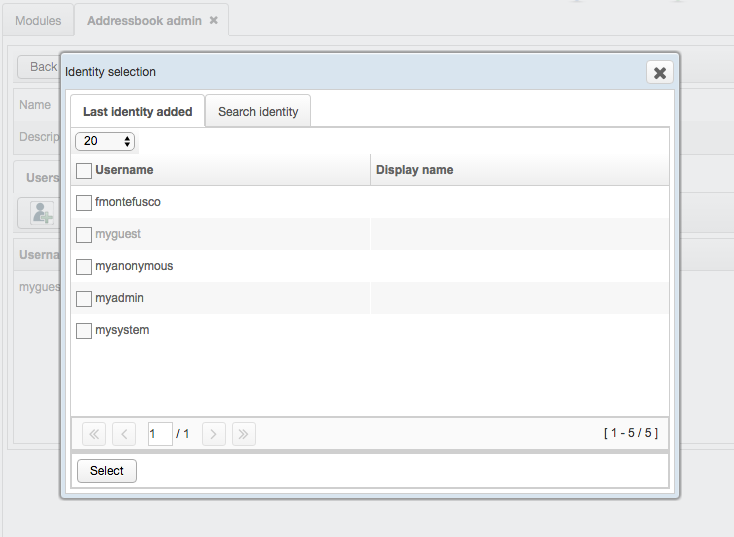
To add users, press the Users tab and then the icon button. Select the users to add from the list or search for them in the Search identity tab: enter the username and press Filter. After the selection, press Select to confirm.
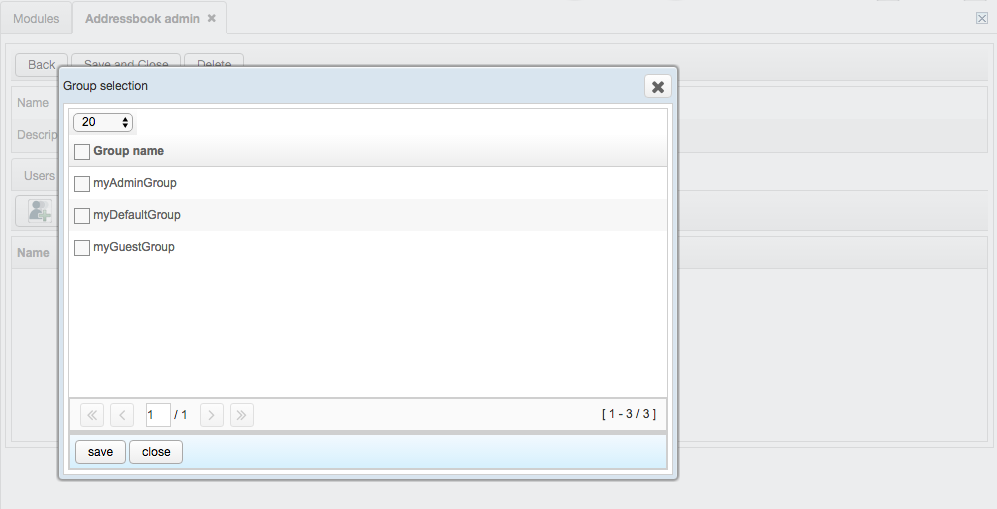
To add groups of users, press the Groups tab and then the icon button. Select the groups to add from the list. After the selection, press Save to confirm. For further details on the group addition, refer to Provider Group section.
If checked, the Editor box, next to the users or the groups of users, allows them to modify the address book. In other words, they can add, remove and modify contacts and carry out import and export operations of the address book in a CSV format. If Editor is unchecked, they can only consult the address book.
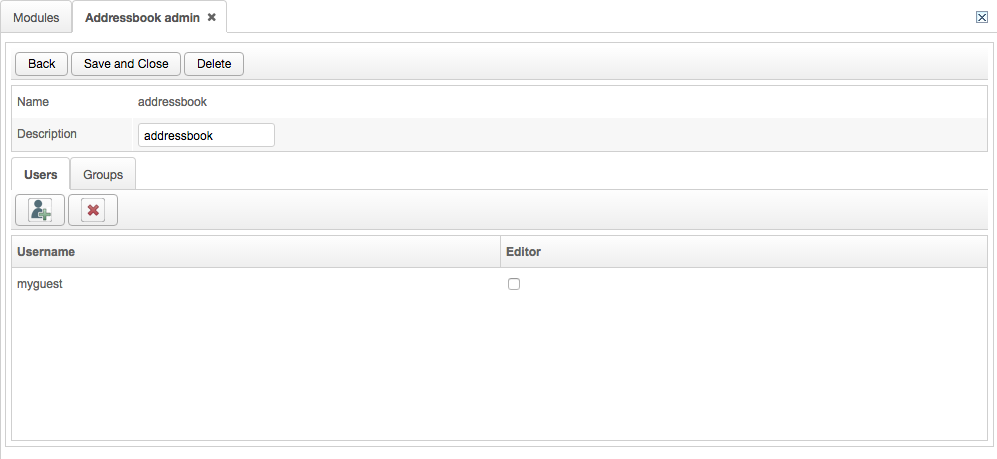
To remove a user or a group of users from the list, select the item and press the red X icon button for deletion.
To edit an address book, select the item from the list and press the Detail button. To delete an address book, select the item from the list and press the Delete button.
From the section filters, the administrator can search for a previously defined set of users. Enter the name and/or the definition in the corresponding field and press Search. To cancel the operation press Clear.