
Genius Server Uninstallation
To uninstall the Genius Server, complete the following steps:
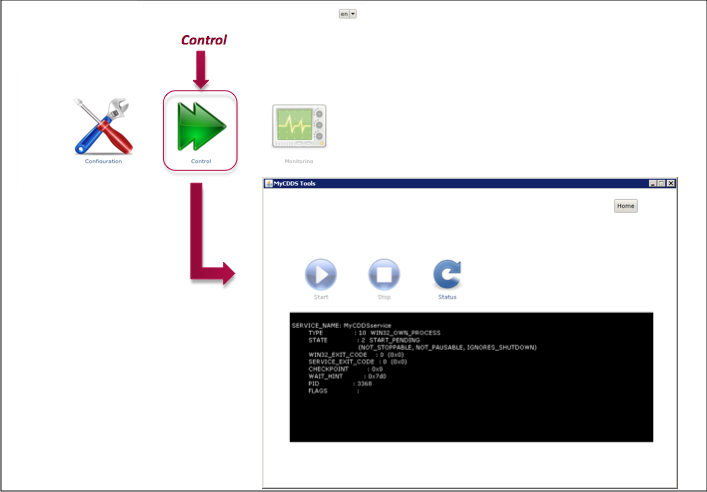
Go to the Configuration Tool and stop the service.
Go to the place where you installed Genius Server to, per default the path is
C:\Programm Files\Genius Server.Scroll until you see unins000.exe and double click it. A warning will pop up and ask if you are sure.
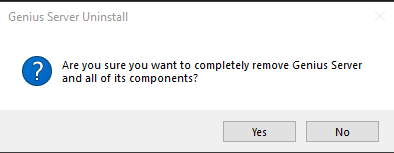
Press Yes to confirm and to continue with the uninstallation.
Alternatively go to Windows Settings -> Apps. Search for Genius Server and choose Uninstall.
After the process finishes press Ok. The software has been successfully uninstalled.