
Tesseract OCR
Tesseract is an open source OCR engine used for converting scanned images into .txt or .pdf documents whose text is searchable.
Note
To obtain a good quality output, use Tesseract 3.03 or higher.
Installation
To install Tesseract on Windows, complete the following steps:
Download the Tesseract executable at the page [external link] https://github.com/UB-Mannheim/tesseract/wiki.
Once downloaded, open it and select the language.
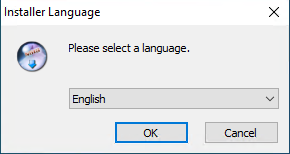
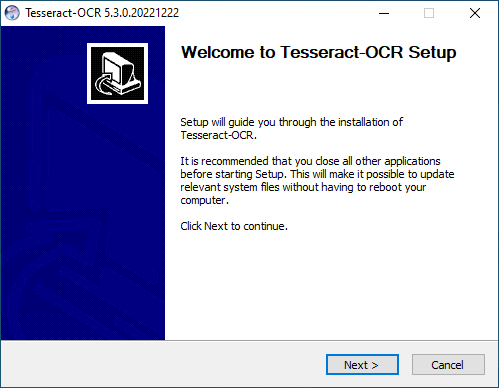
The welcome wizard opens, press Next > to continue.
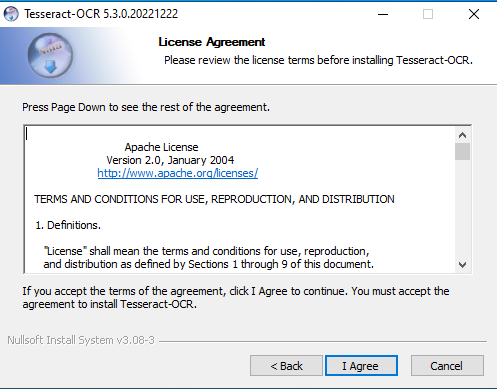
Read the license terms, accept them and then press I Agree.
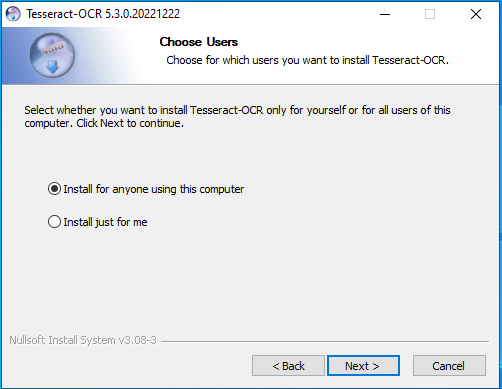
Choose if the installation is for all users or only for the current user and press Next >.
Choose the features of Tesseract to be installed and then press Next >.
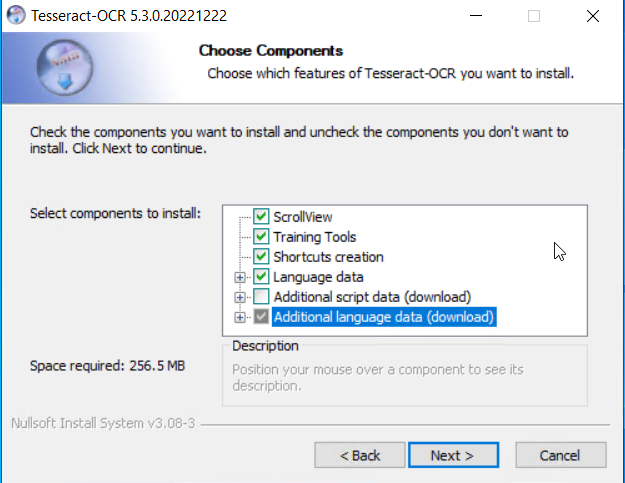
Note
To install additional language data, a working internet connection to download the missing files is required.
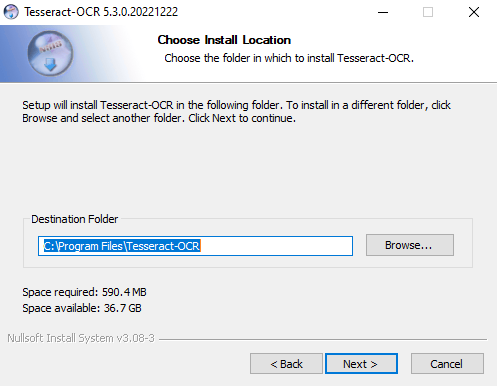
Choose the location where to install Tesseract and then press Next >.
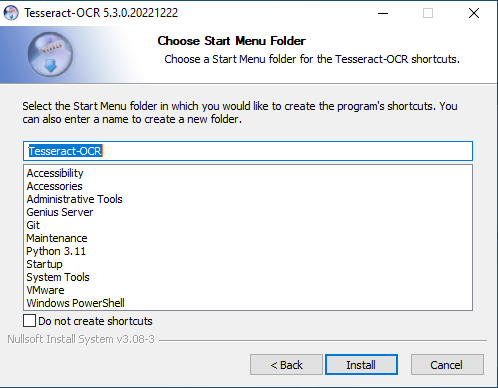
Choose the folder where to create the Tesseract's shortcut or select Do not create shortcuts to avoid this step, then select Install.
The installer will start working and it will look like this:
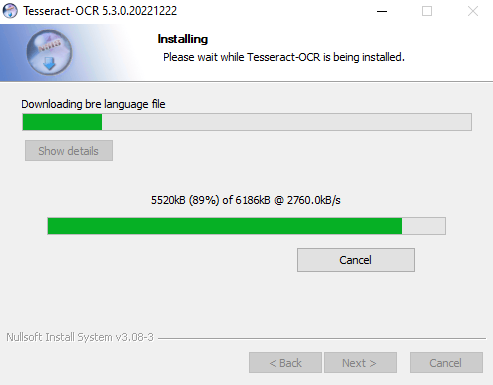
Once the installation has been completed, press Next > and then Finish.
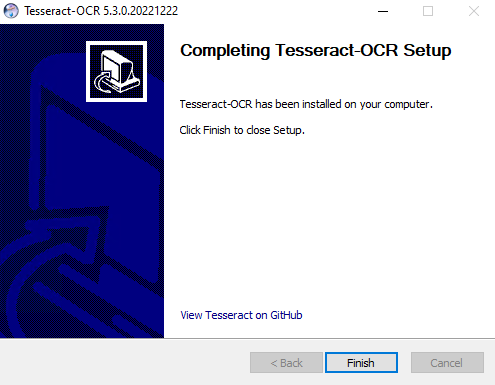
Once the installation is finished, Tesseract should be configured on the Genius Server through the Configuration Tool. For further details refer to Tesseract.
Warning
To install Tesseract on other Operating Systems, refer to [external link] https://github.com/tesseract-ocr/tesseract/wiki.
For further details about the usage of tesseract, refer to Tesseract.
Uninstallation
To uninstall Tesseract, proceed as follows:
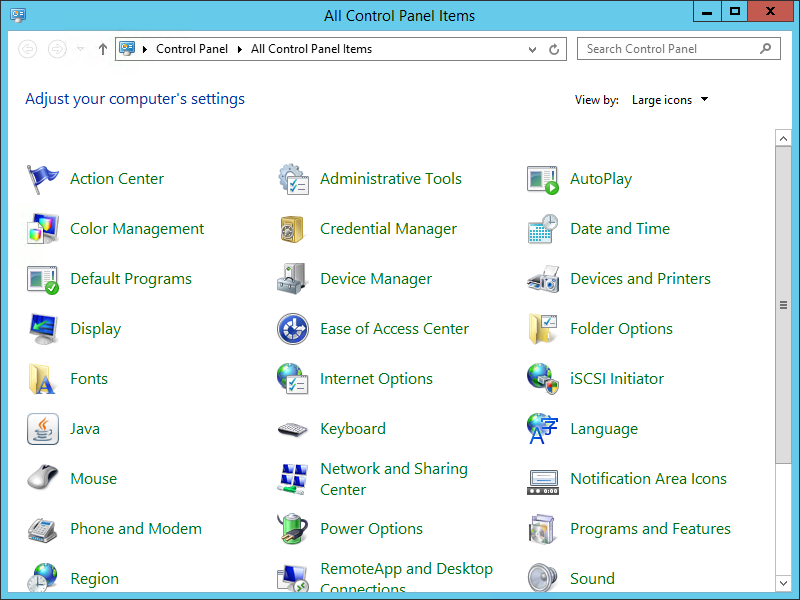
Open the Control Panel and select Programs and Features.
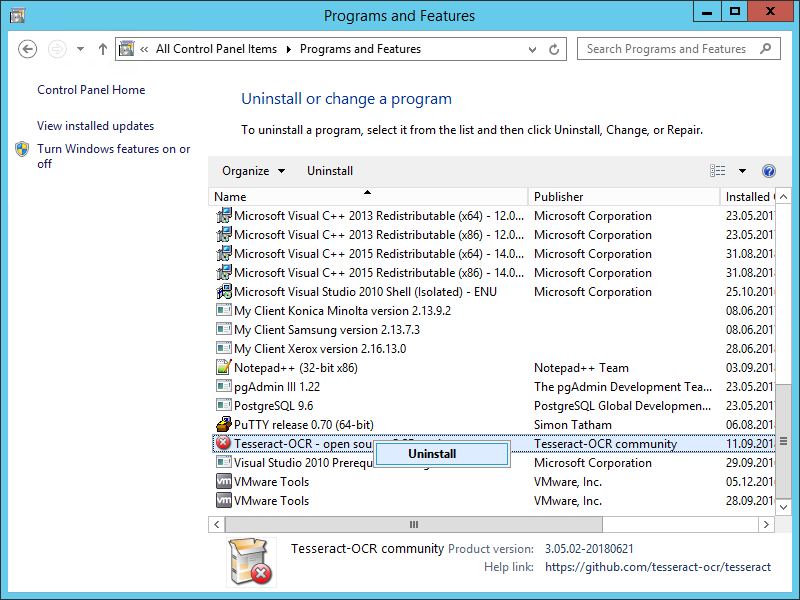
Right click on Tesseract and select Uninstall.
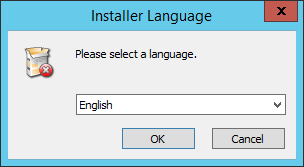
Select a language and press OK.
Check the path of the folder from which Tesseract should be removed and then press Uninstall.
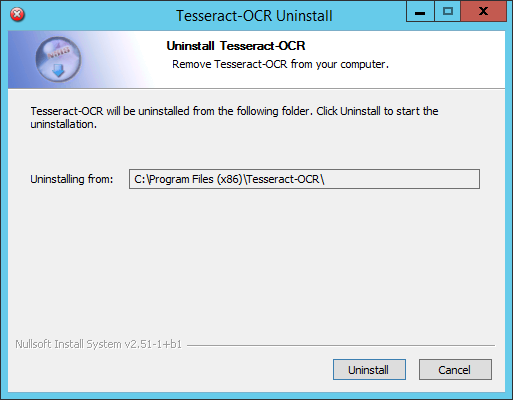
Once the uninstallation has been completed press Close.
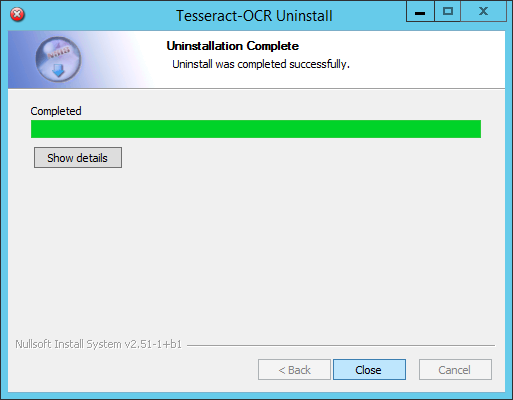
Tesseract has been successfully uninstalled.