
Configuration Overview
On the following pages the settings that can be configured on the web configuration page are described. Those settings are tenant specific and usually do not require a Genius Server restart.
If you previously used Genius Server version 2.x.x you will find most of the settings, that were located inside the configuration tool here.
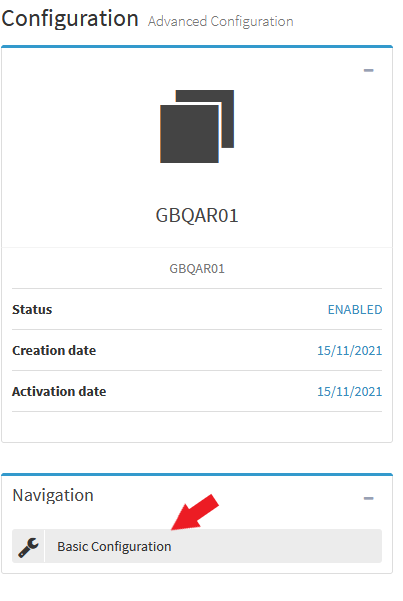
The settings are devided into Basic and Advanced configuration. You can switch between them by clicking on the corresponding button in the navigation section.
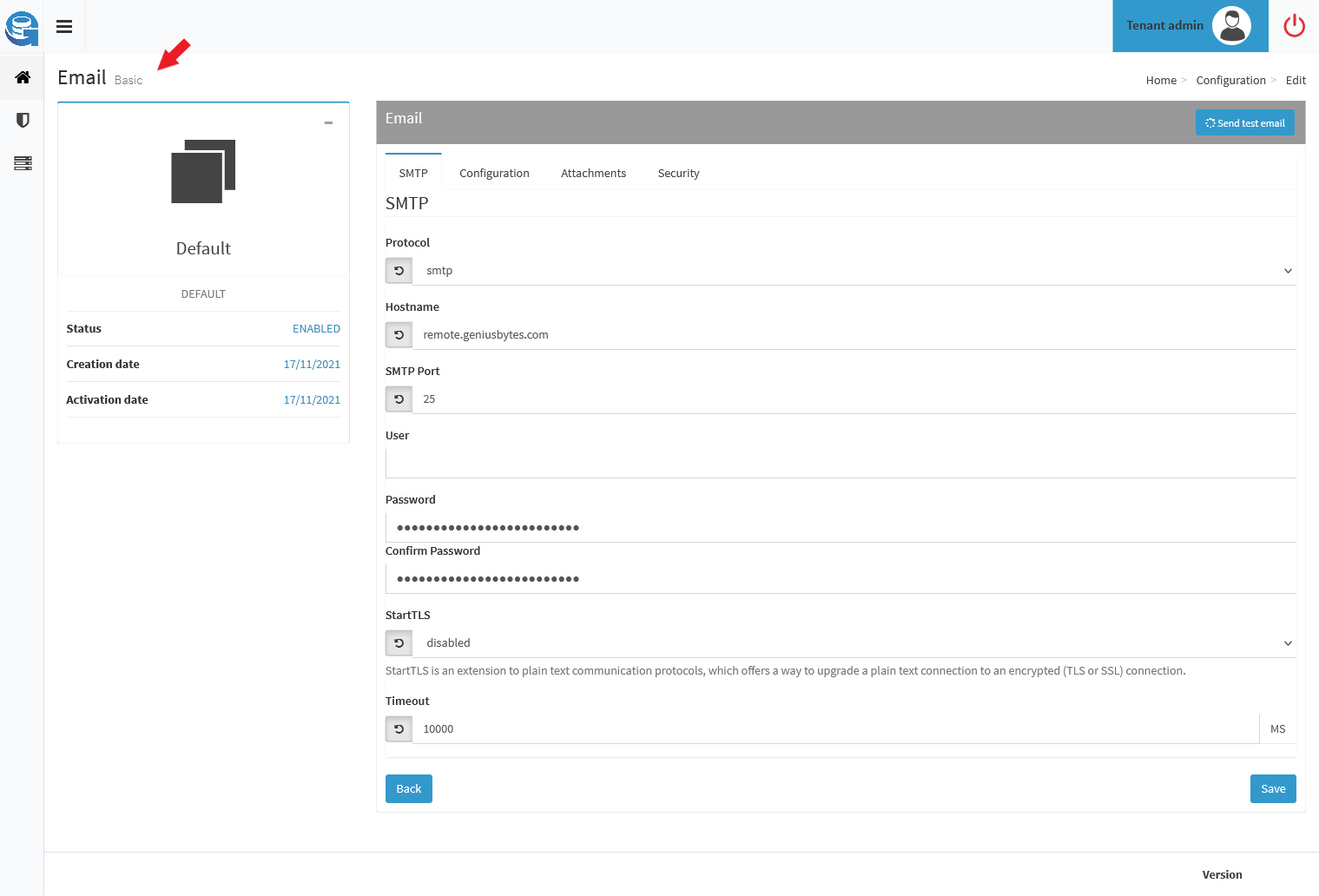
You can always see if you are inside the basic or advanced configuration by looking next to the title of the section. In this example we are in the basic email configuration.
Hint
Do not forget to click the Save button to save your changes. For the most areas there is a Back button that leads back to the configuration overview. If no Back button is to be found, use the menu on the top right for easy navigation.